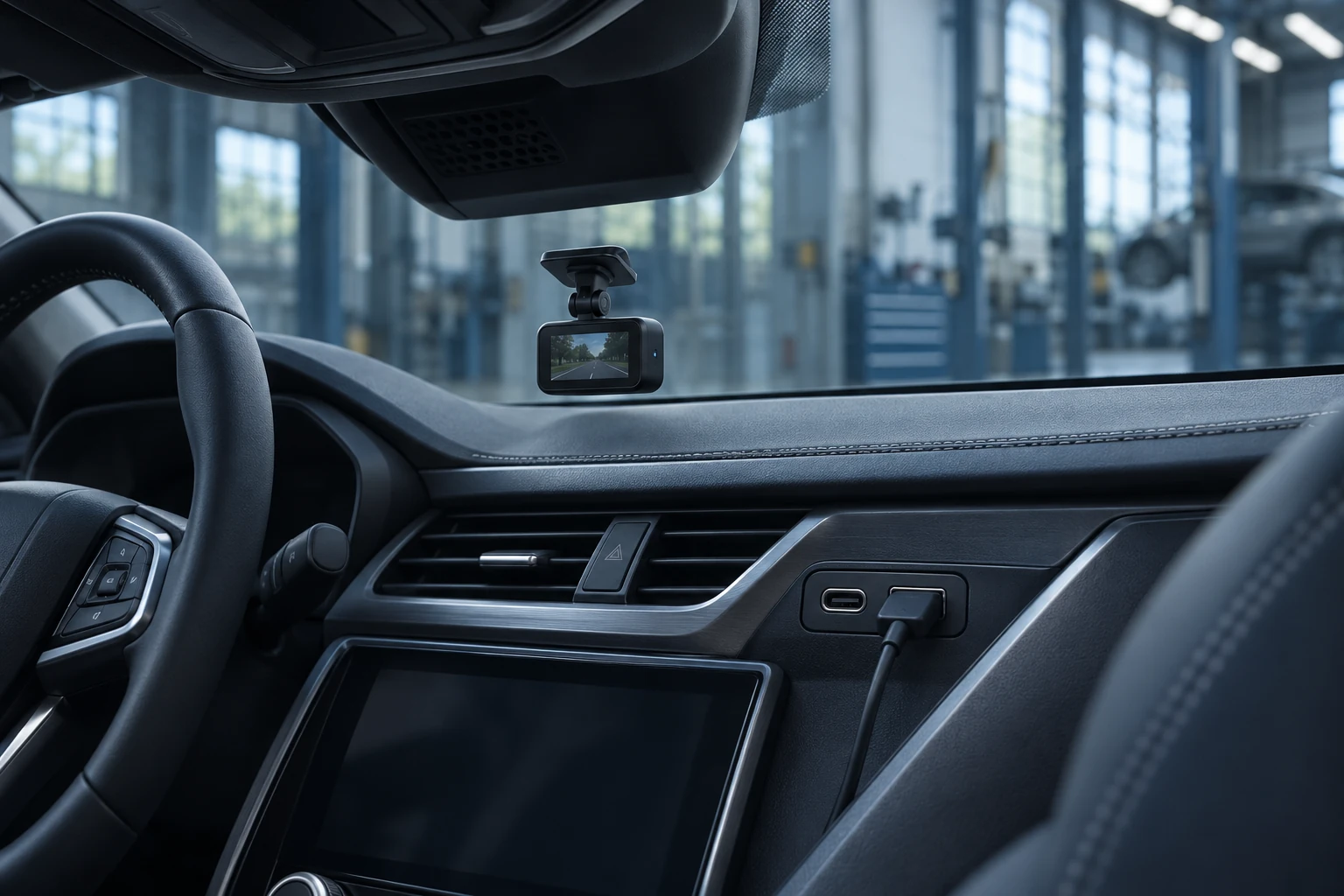
In-vehicle USB charging
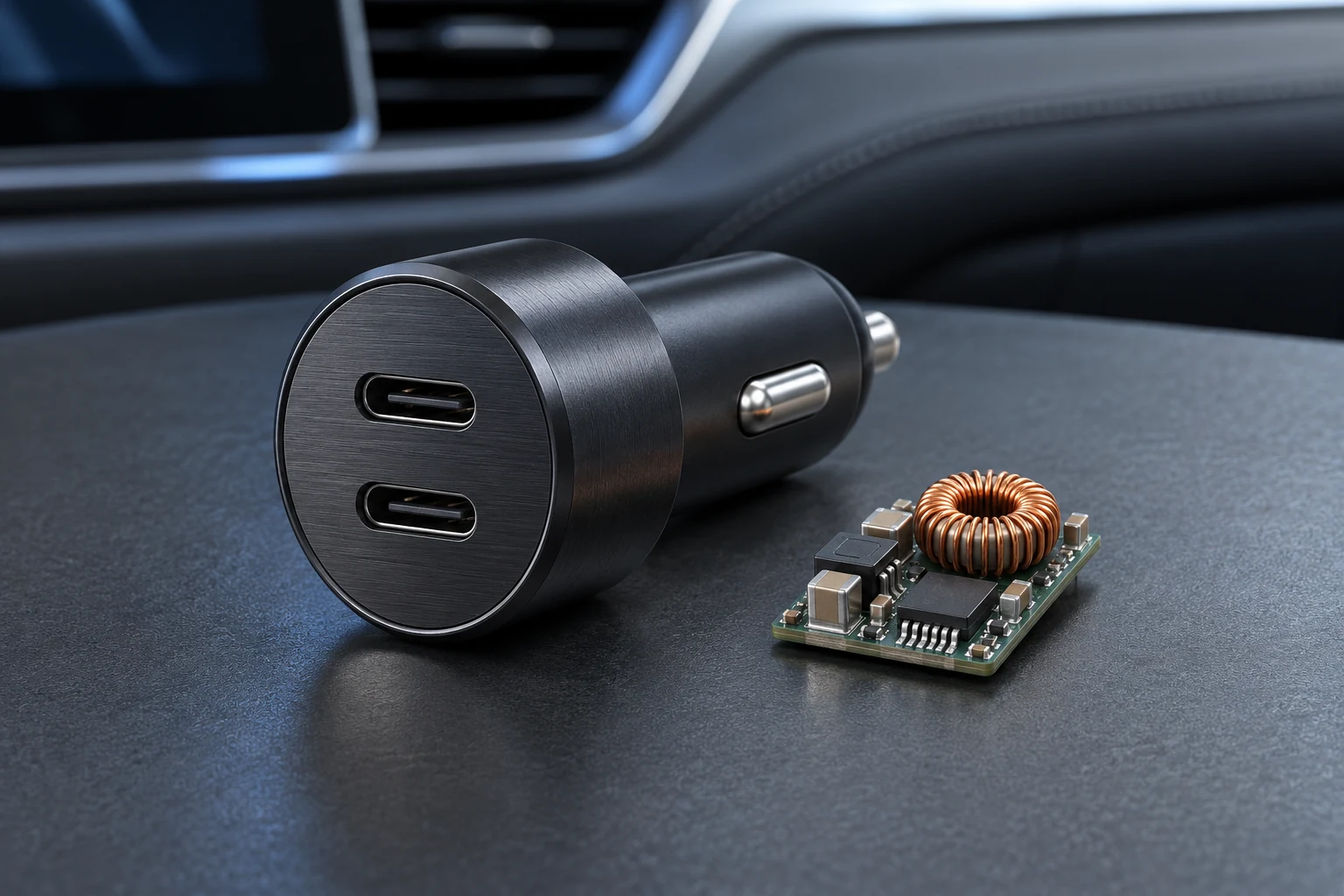
A charger steps down the vehicle accessory supply to power phones and other USB devices. Review the converter under the loads and temperatures it will see inside the cabin.
- Input voltage
- Allow for supply dips and transients at the accessory input.
- USB output
- Check output voltage and current with the expected devices connected.
- Heat dissipation
- Check switching losses and cooling inside the charger housing.
Dash cameras
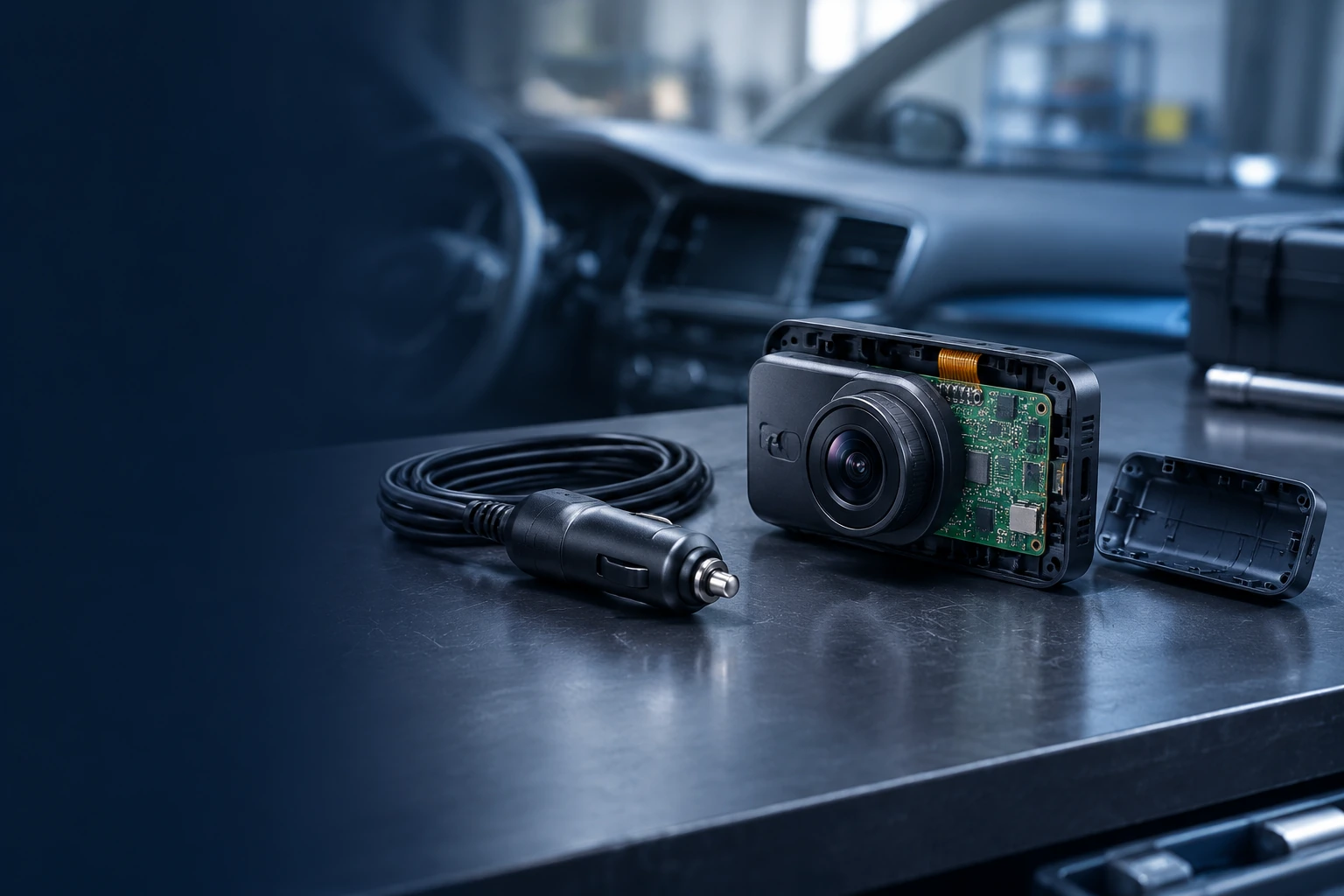
A dash camera needs to start recording after ignition and may stay active while parked. Treat those modes separately when defining the power budget.
- Ignition startup
- Check that the camera restarts cleanly after the supply drops during cranking.
- Parking mode
- Define the standby current and battery cutoff for the intended monitoring time.
Parts cited in cases
Evaluate WSR50N06Confirm qualification for the exact ordering code.
Discuss your vehicle accessory
Share your supply range, USB output or camera modes, peak load and operating temperature.